MikroTik vs Ubiquiti: Which Is Better for a WISP?
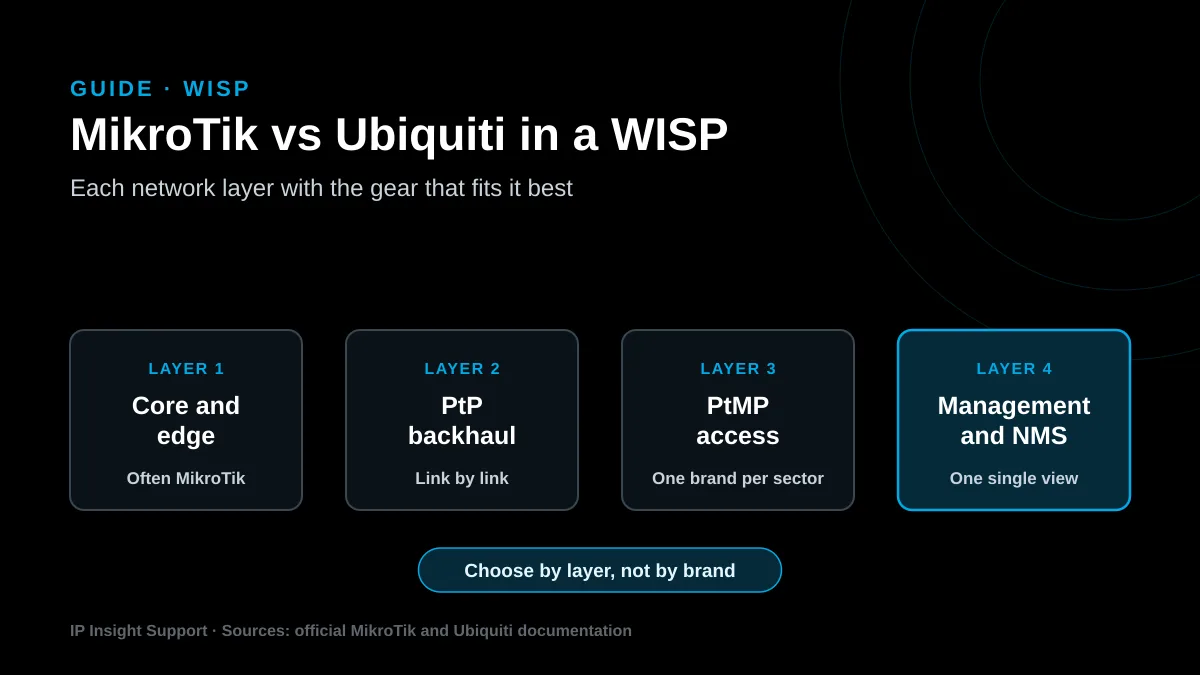
MikroTik vs Ubiquiti: which one fits a WISP? In short, it depends on the network layer. MikroTik stands out in the core, thanks to the advanced routing in RouterOS. Ubiquiti, on the other hand, stands out in wireless access, because it manages its radios from a single platform. That’s why many WISPs run both brands.
In short
| Topic | In a few words |
|---|---|
| What we compare | Two vendors that many WISPs in the Americas also use. |
| MikroTik strength | Routing with BGP, OSPF, MPLS and PPPoE in RouterOS. |
| Ubiquiti strength | airMAX and LTU radios managed from UISP. |
| Compatibility | However, their TDMA protocols don’t mix in one sector. |
| Typical mix | MikroTik core and one brand per access sector. |
| How to decide | First by layer, then by team skills and growth plan. |
MikroTik vs Ubiquiti: how are they different?
First of all, the main difference is focus. MikroTik, based in Riga, Latvia, builds its lineup around RouterOS, a network operating system with a long feature list. Ubiquiti, for its part, offers radio families for operators, such as airMAX and LTU, managed from the UISP platform.
So the useful question isn’t which brand is better. Instead, ask which brand fits each layer of your network: core, backhaul, access and management.
Which brand routes a WISP core better?
In the core, MikroTik usually has the edge, because its routing toolset is broader. According to its official manual, RouterOS supports MPLS with LDP, VPLS and MP-BGP VPNs, plus BGP and OSPF. It also runs a PPPoE server, queues and a RADIUS client on the same box.
Ubiquiti also routes. For example, its EdgeRouters handle BGP and OSPF, according to the UISP help center. However, its lineup for an operator edge is shorter, so many WISPs keep Ubiquiti at the access layer.
Before you pick an edge router, check these points:
- BGP sessions with your transit providers and, if it applies, your own ASN.
- Also, how many PPPoE or DHCP subscribers the router must handle.
- RouterOS license: level 4 already includes AP mode and up to 200 tunnels of each type, and level 6 removes those limits, per the license documentation.
- Current design: if the network still runs bridged, plan the bridge to OSPF migration first.
Which one performs better on PtP and PtMP links?
Similarly, on the air side, both brands use proprietary TDMA protocols. In other words, airtime is split among clients to avoid collisions. For instance, MikroTik uses Nv2, which supports up to 511 clients per interface. Ubiquiti uses airMAX, and its help center sets a cap of 85 stations per airMAX AC access point, or 60 with GPS Sync enabled.
Even so, keep those numbers in context: they are hardware limits, not design targets. In fact, real performance depends more on design than on the logo. For example, line of sight, noise, channel width and alignment all matter.
Therefore, a solid link study is worth more than the label on the radio. This is how we handle wireless link optimization.
How do you manage a network with each brand?
On the other hand, Ubiquiti has a clear advantage here for small WISPs. UISP centralizes monitoring, upgrades and customer installs from a mobile app, and it includes a CRM with billing. Ubiquiti also states there are no licensing fees for the software. That said, its cloud hosting moved to a paid subscription in October 2024.
MikroTik, by contrast, is managed with WinBox, the web interface or the command line. Central monitoring comes from separate tools, such as a network monitoring platform. As a result, you gain flexibility, but you need more discipline with documentation and backups.
Can you combine MikroTik and Ubiquiti?
Yes, and in fact it’s very common. Still, the rule is simple: mix brands across layers, but not inside the same sector. Nv2 won’t connect to any other TDMA network, and airMAX AC devices don’t connect with non-airMAX devices. So the access point and all its clients must be the same brand.
A typical mixed design looks like this:
- Core and edge: MikroTik, with BGP, OSPF and PPPoE.
- Backhaul: whichever brand best solves each link, with a proper spectrum study.
- Access: one brand per sector, so TDMA works as designed.
- Management: finally, monitoring that sees both brands in one view.
MikroTik vs Ubiquiti: when should you use each one?
In short, choose MikroTik when you need serious routing, many PPPoE subscribers or a team that already knows RouterOS. Ubiquiti fits better when the WISP is small, the technical team is lean and you want fast customer installs.
| Criteria | MikroTik | Ubiquiti |
|---|---|---|
| Core and edge | BGP, OSPF, MPLS and VRF in RouterOS | BGP and OSPF on EdgeRouter |
| PtMP protocol | Nv2, proprietary TDMA | airMAX, proprietary TDMA |
| Central management | Separate tools | UISP, with CRM and billing |
| Learning curve | Steeper | Gentler |
| Mixing in one sector | Nv2 devices only | airMAX devices only |
In any case, the decision should come from a documented design, not from installer habit.
How do we handle it at IP Insight Support?
We don’t sell hardware, so we choose by design. First, we audit the network, measure the links and review the growth plan. Then we define which brand goes in each layer and hand your team a fully documented network. Learn about our network design and implementation service and how we work with WISPs.
MikroTik vs Ubiquiti frequently asked questions
Is MikroTik harder to configure than Ubiquiti?
In general, yes. That’s because RouterOS offers many more options, and that takes more training. Ubiquiti focuses on guided setup from UISP and its app, so a new technician usually gets up to speed faster.
Which RouterOS license does a WISP need?
For an access point, level 4 already includes AP mode and up to 200 PPPoE tunnels. For a large concentrator, however, level 6 removes those limits. According to MikroTik, paid levels never expire.
Can Ubiquiti handle BGP?
Yes. For example, Ubiquiti EdgeRouters support BGP and OSPF. Still, for an edge with several transit sessions, many operators prefer a router with more filtering and policy options.
Can I connect a MikroTik CPE to a Ubiquiti access point?
Not inside a TDMA sector. Nv2 only works between Nv2 devices, and airMAX AC doesn’t connect with other brands. Therefore, each sector should use a single brand.
Should the whole network run on one brand?
It simplifies spares and training. However, it isn’t required. What matters is that each layer uses the right gear and that monitoring covers the whole network.
How do I switch brands without cutting customers off?
Sector by sector. First, install the new access point in parallel, then move customers in groups and finally remove the old one. Also, a prior audit shows the right order and the risks.
Choosing between MikroTik and Ubiquiti for your WISP? Talk to an engineer and let’s review your network.
More guides for network operators
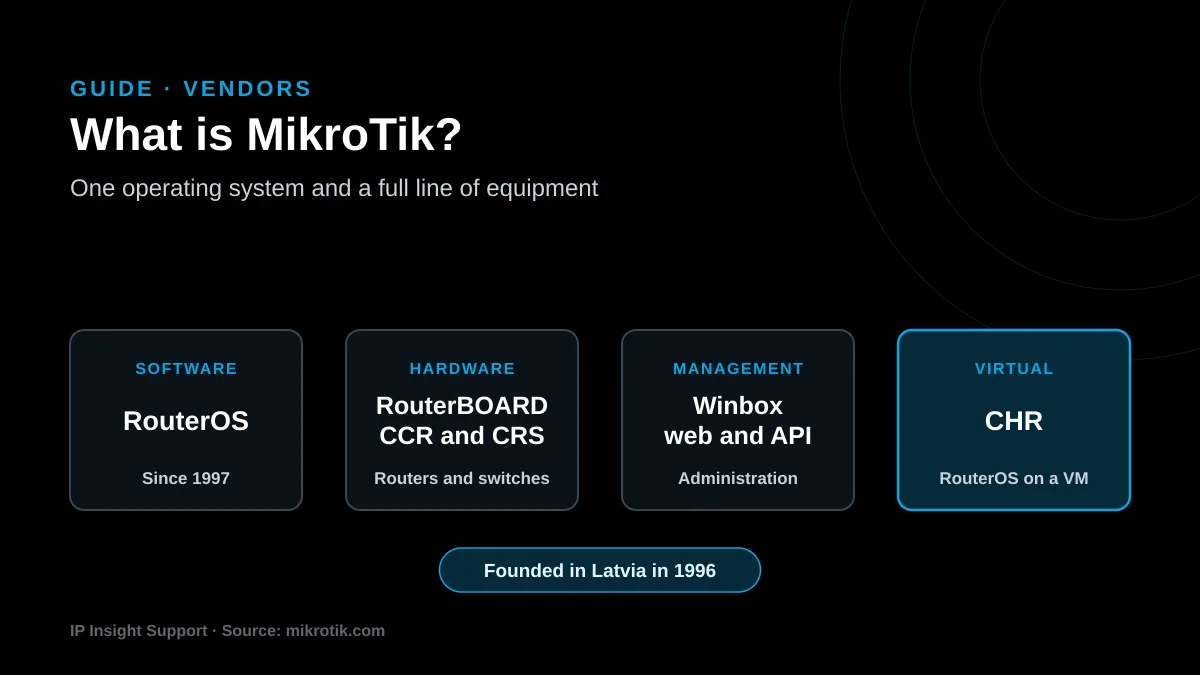
What Is MikroTik? RouterOS and Equipment for ISPs
Read the guide