


Syslog and network backups you can count on
We deploy syslog and network backups: we centralize your devices’ logs and back up their configurations automatically, so you can investigate an incident and restore a device in minutes.
10+ years of experience Multi-vendor compatibility Central logging Automatic backups
Where this service fits in the life of your network
Each service hands a documented network to the next one, so you can start at the stage your network needs today.
- Know what you haveNetwork audit and documentationExplore
- Build what you needNetwork design and implementationExplore
- Make it performNetwork engineering and architectureExplore
- Move it forwardNetwork migration and IPv6Explore
Run an RV park, campground or hotel? NETXIOM applies the same lifecycle to managed guest WiFi.
Your network’s memory, always available
We set up a central syslog server and automatic configuration backups for your devices. You’ll know what happened, who changed what, and you can roll back to a configuration that worked.
We set up logging and backups for equipment from many vendors, on a server inside your network or at an external location. When we finish, your team has a tested procedure to restore any device.
- Central syslog server
- Logs from routers, switches and servers
- Automatic configuration backups
- Change history per device
- Log retention policies
- Search and alerts on events
From scattered logs to a central archive
A process that prepares your network for any incident.
Inventory
We list the devices that should send logs and backups.
Design
We define the server, retention, backup frequency and access.
Deploy
We configure the server and every device, and verify everything arrives.
Test
We run a restore test on a device to prove the backups work.
What central logs and backups give you
Fast recovery
Restore the configuration of a failed device.
Incident investigation
Know what happened and in what order.
Change control
See who changed which configuration and when.
Compliance
Logs kept for as long as your rules require.
Backups built for the worst day
A backup only matters if it can be restored. That’s why we don’t just configure backups: we test the restore and document the procedure so your team can repeat it.
A backup that was never tested is just a hope.
Where your network can go from here

Network audit and documentation
Inventory, topology and a findings report, with documentation that holds up for compliance and financing.
Explore network audit and documentation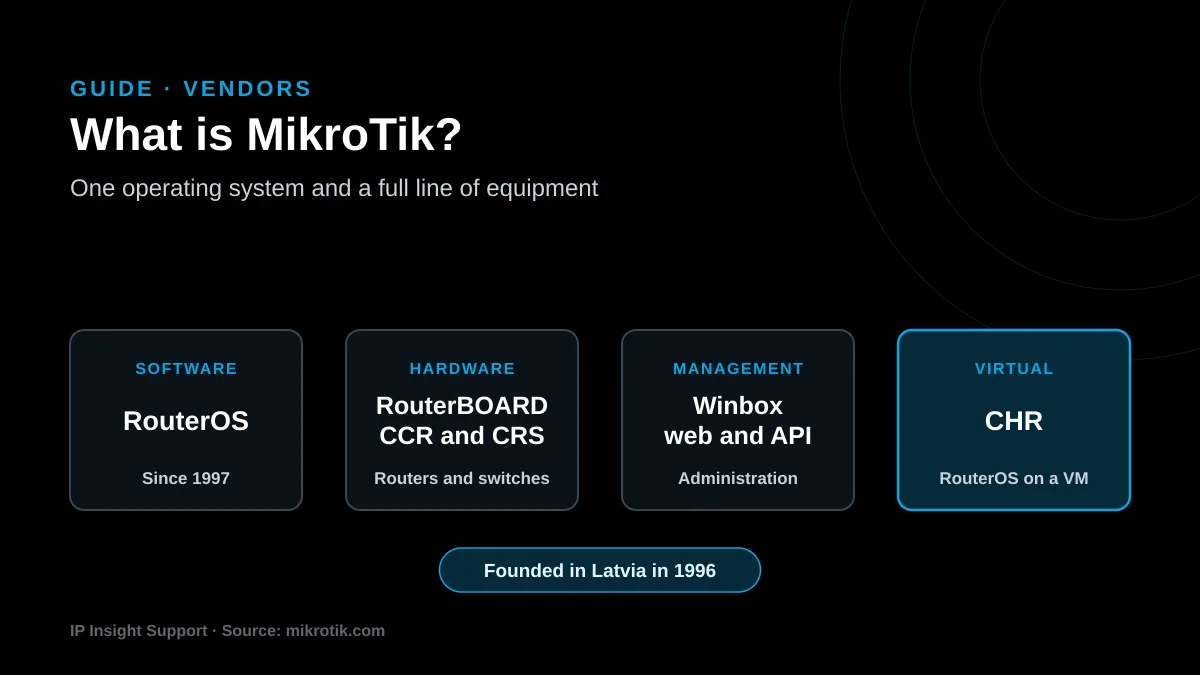
What Is MikroTik? RouterOS and Equipment for ISPs
What MikroTik is and why ISPs, WISPs and businesses use it: routing power, security features and versatility at a cost that scales with the network.
Read the guide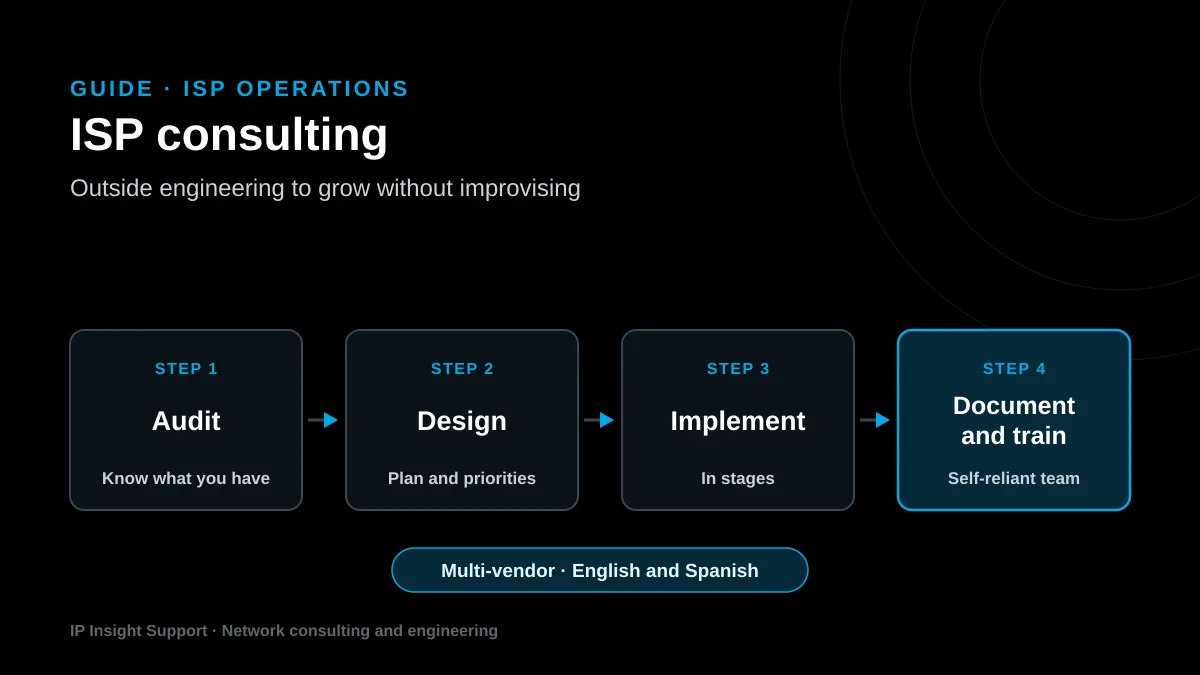
ISP Consulting: What It Is and When You Need It
Why ISPs work with network consultants: assessment, custom design, security and scalability, and what to expect from an independent engineering partner.
Read the guideFrequently asked questions
Do you have another question? Write to us and an engineer will answer, in English or Spanish.
What is syslog?
Syslog is the standard network devices use to send log messages to a server. Its current format is defined in RFC 5424.
Why centralize logs?
Because logs stored on each device are lost on reboot or get overwritten. A central server keeps them and lets you search events across the whole network in one place.
How often are configurations backed up?
We define it with you. A common setup is a daily backup plus an extra one whenever a configuration change is detected.
Where are backups stored?
On the server we agree on, inside your network or at an external location, with restricted access. We recommend at least one copy off the main site.
Can you integrate it with monitoring?
Yes. Combining logs with monitoring metrics speeds up diagnosis, and we design it together with our monitoring platform service.
Does it work with MikroTik and other brands?
Yes. Virtually all network equipment supports syslog, and we configure automatic backups for MikroTik and other vendors.
Ready to have your network backed up?
Let’s talk about your devices and define a logging and backup setup you can test.