What Is a Captive Portal and How Does It Work?
What is a captive portal? It’s the page that appears when you join a public WiFi network, for example at a hotel, a campground or an airport, and asks you to accept terms or sign in before you get internet access. Until the user signs in, the network holds back their traffic. As a result, it lets you control who connects, how much they use and under what terms.
In short
| Topic | In a few words |
|---|---|
| What it is | A login page that controls access to a WiFi network. |
| Where it’s used | For example, hotels, campgrounds, RV parks, airports and WISPs. |
| How it works | First it blocks traffic, then it opens it after sign-in. |
| Access options | Terms, voucher, username and password, or RADIUS. |
| Standards | RFC 8952 (architecture) and RFC 8910 (DHCP and RA). |
| Security | Also a separate network, client isolation and limits. |
How does a captive portal work?
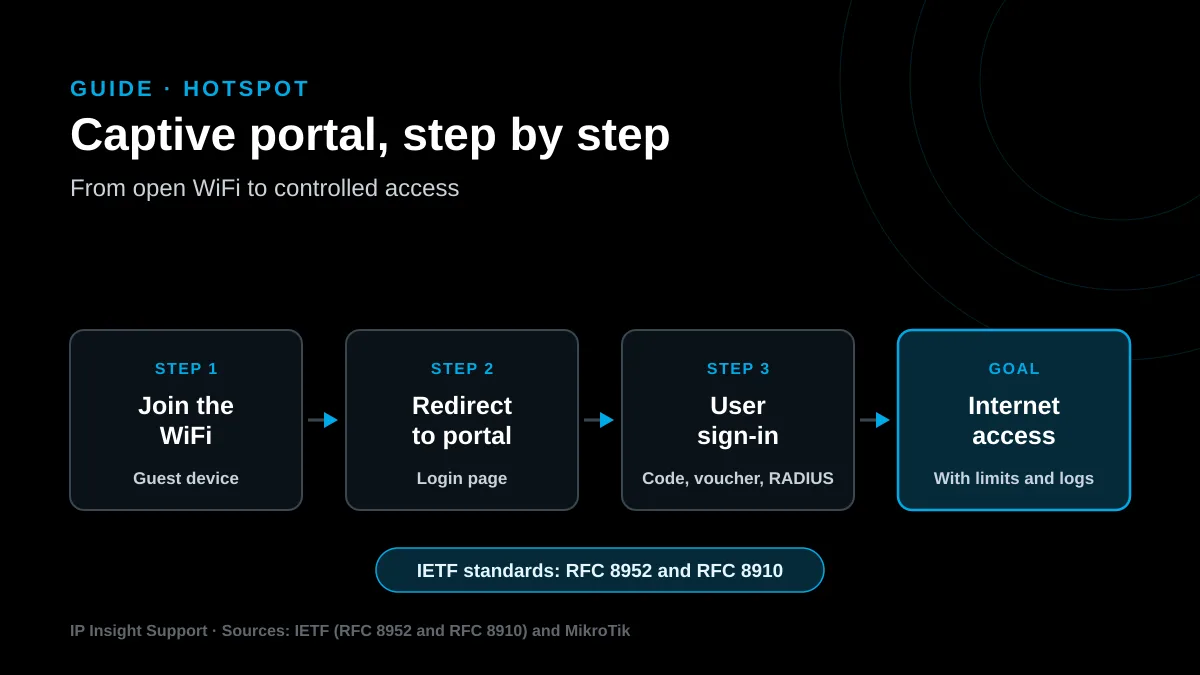
Although the user only sees a login page, several steps happen behind it within a few seconds:
- Connection: the device joins the WiFi and gets an IP address through DHCP.
- Initial block: the network only lets essentials through, such as DNS and the portal itself; everything else is held back.
- Redirect: the device detects that it’s behind a portal and opens the login page.
- Sign-in: the user accepts the terms, enters a code or logs in.
- Release: the enforcement device opens traffic for that device, with the right speed and time limits.
The IETF describes this flow in RFC 8952, the captive portal architecture, published in November 2020.
What is a captive portal used for?
In short, it turns open WiFi into a managed service. That’s why it’s common in businesses that serve many short-term users:
- Hotels: access with a room number, a code or terms of use.
- Campgrounds and RV parks: in addition, free and premium tiers per stay.
- WISPs and WiFi zones: vouchers sold by time or by usage.
- Airports, malls and restaurants: terms acceptance and, at times, email sign-up.
- Businesses: for example, a guest network kept apart from the internal one.
For RV parks and campgrounds, see also our guide on RV park WiFi setup.
What access options can a captive portal offer?
- Terms only: the user accepts the terms with one click.
- Voucher or code: the front desk hands out a code with limited time or data.
- Username and password: accounts stored locally or centrally.
- RADIUS: sign-in is checked by a central server, which helps when there are several sites.
- MAC or cookie: that way the device reconnects without logging in again.
- Free trial: limited access for a while before asking for a plan.
For example, MikroTik’s HotSpot supports these options, including authentication against a RADIUS server and a walled garden of sites reachable without signing in. If you use RADIUS, see our DNS and RADIUS servers service.
What are the components of a captive portal?
According to RFC 8952, a complete solution has five parts, although in small networks several of them live on the same device:
- User equipment: the phone, laptop or tablet that connects.
- Provisioning service: tells the device where the portal is, usually through DHCP or router advertisements.
- API server: lets the device check whether it’s still captive, over HTTPS.
- Enforcement device: the router or firewall that blocks or allows each device’s traffic.
- User portal: the web page where the user meets the conditions.
Moreover, RFC 8910, from September 2020, defines how to announce the portal: option 114 in DHCPv4, option 103 in DHCPv6 and option 37 in IPv6 router advertisements.
Why doesn’t the captive portal page show up sometimes?
It’s the most common complaint. In most cases, the problem lies in the way the portal intercepts traffic:
- Nearly every site uses HTTPS, and a portal can’t redirect that traffic without certificate errors.
- A VPN or private DNS on the device keeps the network from redirecting it.
- The device has cached an earlier DNS answer.
- Also, a badly built walled garden blocks what the portal needs to load.
For that reason, RFC 8952 asks that solutions not forge DNS or HTTP responses, and instead proposes a secure API that the device checks on its own. In the meantime, the login page should use HTTPS with a valid certificate.
How do you set up a captive portal securely?
- Put the guest network on its own VLAN, apart from the office and the cameras.
- Turn on client isolation, so one guest can’t see another guest’s devices.
- Use HTTPS on the login page and, in addition, keep the walled garden small.
- Set speed and time limits per device.
- Centralize users and logs in RADIUS when you run several sites.
- Finally, keep the logs your local regulations require.
Keep in mind that the portal controls access, but it doesn’t encrypt traffic on an open network. For the other layers, see our network security service.
How do we handle it at IP Insight Support?
First, we review the current network and define how each type of user will sign in. Then we set up the portal, the guest network, per-device limits and, when there are several sites, a central RADIUS server. For hotels, campgrounds and RV parks, our NETXIOM line adds 24/7 monitoring. Learn more about our centralized HotSpot service and managed WiFi for RV parks.
Captive portal frequently asked questions
Why isn’t the captive portal showing up on my phone?
First, turn off your VPN and private DNS. Then open a page that doesn’t use HTTPS, or the address the venue gives you. If it still doesn’t appear, forget the network and join it again.
Does a captive portal make WiFi secure?
Not on its own. It controls who gets in, but it doesn’t encrypt traffic on an open network. That’s why it’s paired with a separate network, client isolation and an HTTPS login page.
What is a walled garden?
It’s the list of sites a user can open before signing in, for example the payment page or the terms of use. Keep it short, because every exception is access without control.
Can I charge for WiFi with a captive portal?
Yes. You can use vouchers, time-based plans or free and premium tiers. In addition, the portal can limit speed based on each user’s plan.
Does a captive portal work with IPv6?
The standards cover it, since RFC 8910 defines options for DHCPv6 and router advertisements. However, support varies by vendor; for example, MikroTik’s documentation states that its HotSpot works reliably only with IPv4.
Captive portal or password-protected WiFi?
A shared password encrypts the network, but it doesn’t identify each user or allow individual limits. A portal does, so many businesses use both.
Need a captive portal for your hotel, campground or WiFi network? Talk to an engineer and let’s review your case.
More guides for network operators
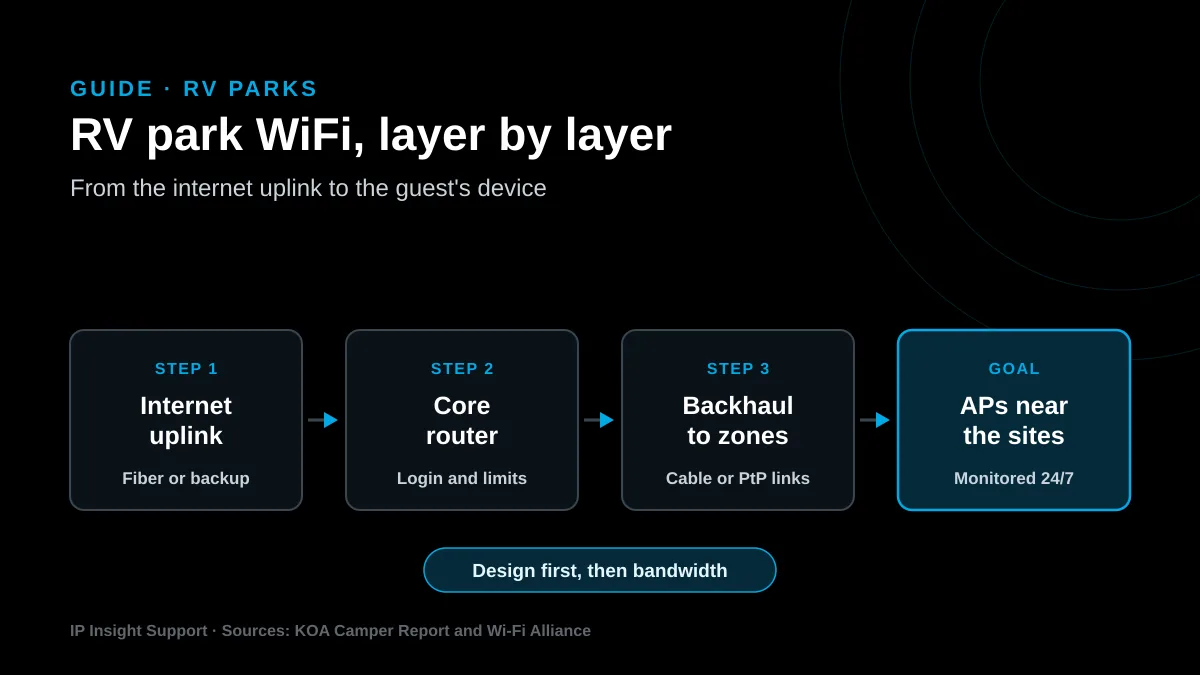
RV Park WiFi Setup: How to Design a Network That Works
Read the guide